
Grok watermark remover: clearing the xAI mark from your own clips
What the Grok Imagine mark actually is, why a see-through mark comes off cleanly while a solid one has to be rebuilt, and what remains in the file afterwards.
The short version
A Grok watermark remover has one job: clear the small xAI mark that Grok Imagine burns into the corner of a clip, without smearing the picture around it. Imaginoa does that in the browser — the file never leaves your device.
Open the tool: the video watermark remover handles Grok clips. Add your video, let it scan, and the mark is cleared in every frame.
Free, no sign-up, no upload. Works on a phone the same as on a laptop.
- Open the video watermark remover and add your clip.
- Let the scan run. It checks frames from the start, middle and end of the video.
- If the mark is found it is boxed and already cleared in the preview. If it is missed, tap Draw area, drag a box round it and tap Erase watermark.
- Drag the timeline to check a few other moments, then save.
What the Grok mark actually looks like
Knowing the shape of the thing you are removing explains most of what follows. Grok Imagine stamps a small circular glyph, usually in a bottom corner, at partial opacity rather than solid white. Exact placement shifts between app versions, aspect ratios and whether the clip was downloaded or re-shared, so treat the table below as the usual case rather than a guarantee.
| Property | What you normally see | Why it matters for removal |
|---|---|---|
| Position | A bottom corner, inset from the edge | Corner marks are the easiest case — there is real picture on two sides to rebuild from |
| Size | Roughly 4–8% of frame width | Small marks leave a small hole, so the repair is less visible |
| Opacity | Part-transparent, not solid | This is the good case: the picture underneath was still recorded, so it can be recovered rather than invented |
| Movement | Usually fixed; some exports move it | A mark that stays put is found by the scan; one that hops is found window by window |
| Edges | Crisp, same shape every frame | Constant edges over a moving picture are exactly what the detector looks for |
Why a see-through mark comes off cleanly
A part-transparent watermark is a mix: every pixel you see is a blend of the real frame and the mark, in fixed proportion. Once that proportion and the mark's colour are known, the blend can be run backwards and the original pixel comes back. That is why a Grok mark over detailed footage can disappear completely rather than leaving a patch.
Imaginoa works the proportion out from the video itself. Across dozens of sampled frames the picture changes but the mark does not, so the pixels that stay constant while everything moves underneath give away both its shape and how strong it is. No template of the xAI logo is stored anywhere — the mark is measured from your own clip, which is also why the same approach works on marks from tools that did not exist when the page was written.
Where it genuinely cannot win is a fully solid mark. If a logo is painted at 100% opacity, the picture behind it was never recorded in the file, and nothing can recover what was never there. In that case the area is rebuilt from the surrounding texture — convincing to look at, but reconstructed rather than recovered. Most Grok marks are the recoverable kind.
What to expect, honestly
| Mark | Result | What you will see |
|---|---|---|
| Part-transparent corner glyph | Recovered | The real picture returns; usually no trace at normal playback speed |
| Solid badge | Rebuilt | Clean and stable, but the patch is reconstructed from nearby texture |
| Mark over a flat sky or wall | Excellent | Flat areas rebuild almost perfectly |
| Mark over fine detail (text, faces, foliage) | Hardest case | Draw a tighter box so less area is touched |
| Mark on an already re-compressed re-upload | Weaker | Compression blurs the mark's edges, so it is harder to measure |
If it does not work first time
- The scan found nothing. Tap Draw area, drag a box round the mark and tap Erase watermark. That path never fails — it rebuilds whatever is inside the box across the whole clip. It is also the answer for a clip where the camera barely moves, because a still picture gives the detector nothing to separate the mark from.
- A faint outline is left. Tap Rebuild the area. That throws the marked area away entirely rather than trying to model it, so nothing of the mark can survive.
- Part of the mark is still there. The box missed an edge. Draw a slightly bigger one, including any small icon sitting next to the text.
- The video will not open. Some phone recordings use HEVC/H.265, which not every browser can decode. Chrome or Safari on a recent device handles most files; otherwise convert to a standard MP4 (H.264) first.
Grok is not the only mark
The same tool handles the marks from other AI video generators, because it measures whatever it finds rather than matching a list of logos. If you came here for a different one:
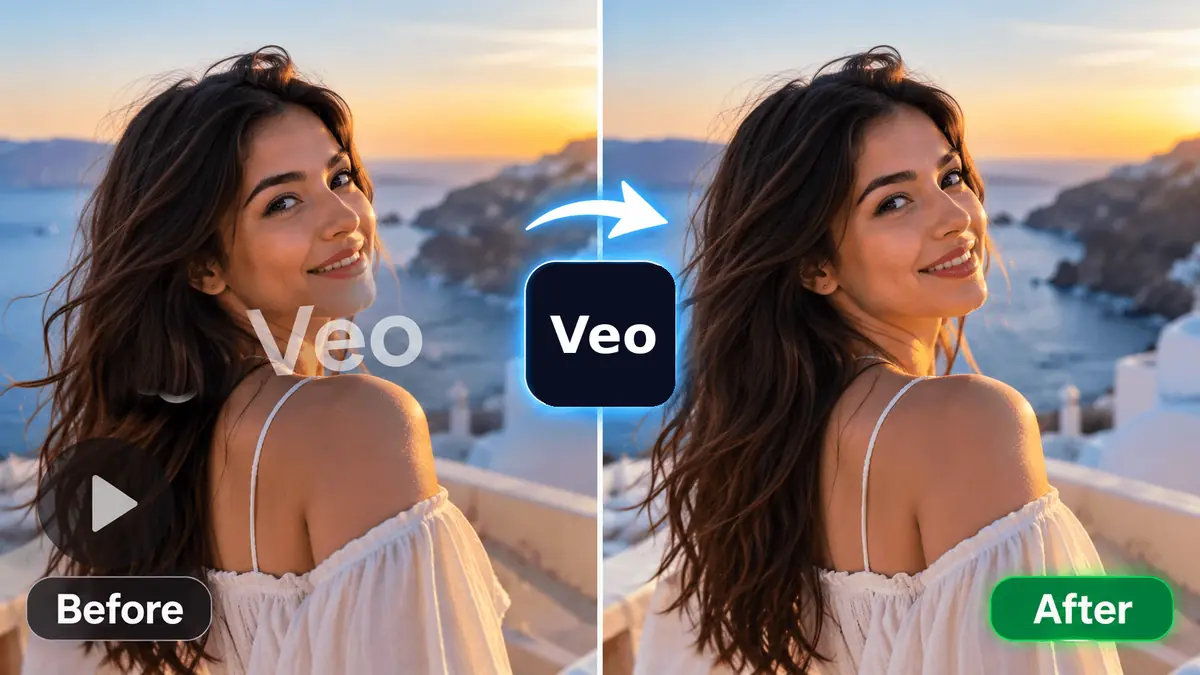
- Removing the Veo watermark from a video — Google's video model, and the most-asked-about mark of the lot.
- The Sora watermark guide — including the version that moves around the frame instead of sitting still.
- The Gemini and Nano Banana sparkle on images — a still-image mark, handled by a different method.
- Marks on GIFs — and why they need converting first.
When this is fair, and when it is not
Clearing a provenance mark from a clip you generated yourself is ordinary editing — the same as cropping a logo out of your own footage. That is what this tool is for.
Three situations where it is not fair, and we would rather say so plainly:
- Someone else's video. A mark on a clip you did not make is somebody's credit. Removing it and reposting is passing off their work as yours.
- A stock preview. The grid across a Getty or Shutterstock comp is a licence boundary, not a blemish. Licence the file instead. Stripping it can also run into 17 U.S.C. §1202, which covers removing copyright management information.
- A free-plan mark on a paid editor. When a tool stamps its name to mark the free tier, the mark is the paywall. Removing it is taking the paid product without paying. Our terms say the same.
What the clean file still carries
Removing something you can see does not make a video anonymous, and anyone telling you otherwise is selling something. Worth knowing before you post:
- Invisible provenance marks stay. Several generators embed a signal in the pixels themselves — Google's SynthID is the best-known. Imaginoa does not touch these and makes no attempt to defeat them.
- Content Credentials may travel with the file. You can check any file yourself at contentcredentials.org.
- Disclosure rules still apply. Platform policies and rules such as Article 50 of the EU AI Act are about telling people the content is synthetic. A missing corner logo does not change that obligation, and labelling your AI clips as AI is simply the decent thing to do.
Why nothing is uploaded
Every frame is decoded, cleaned and re-encoded by your own browser. There is no server in the loop, no queue and no copy of your clip sitting in someone's storage bucket. The practical effects: a long video is limited by your device rather than by a plan, the tool works offline once the page has loaded, and there is nothing for us to leak, because we never had the file. The privacy policy spells this out.
The trade-off is honest too: a ten-minute 4K clip will take a while on an older phone, because your hardware is doing the work. Grok clips are usually short, so this rarely bites.
Questions people ask
Is this Grok watermark remover free?
Yes, with no account and no watermark of our own added to the result. It runs in your browser, so there is no server cost to pass on.
Does my video get uploaded anywhere?
No. The clip is decoded and re-encoded on your own device. Nothing is sent to a server, and we never hold a copy.
Will it work on my phone?
Yes. The same tool runs on a phone browser. Longer clips take longer because your phone is doing the processing.
The scan did not find the Grok mark. What now?
Tap Draw area, drag a box round the mark and tap Erase watermark. That removes it from every frame regardless of what the mark is.
Does removing the logo make the video undetectable as AI?
No. Invisible provenance signals such as SynthID stay in the pixels, and Content Credentials may travel with the file. Only the visible mark is removed.
Can I remove the Grok mark from someone else's video?
Please do not. The tool is for clips you generated yourself. A mark on someone else's work is their credit.
What video formats work?
MP4, MOV, WebM and M4V in most browsers. Some phone recordings use HEVC/H.265, which not every browser can decode — convert those to standard MP4 first.
Is there a length limit?
No fixed limit. The practical ceiling is your device's memory, so very long or very high-resolution clips may be slow on an older phone.